

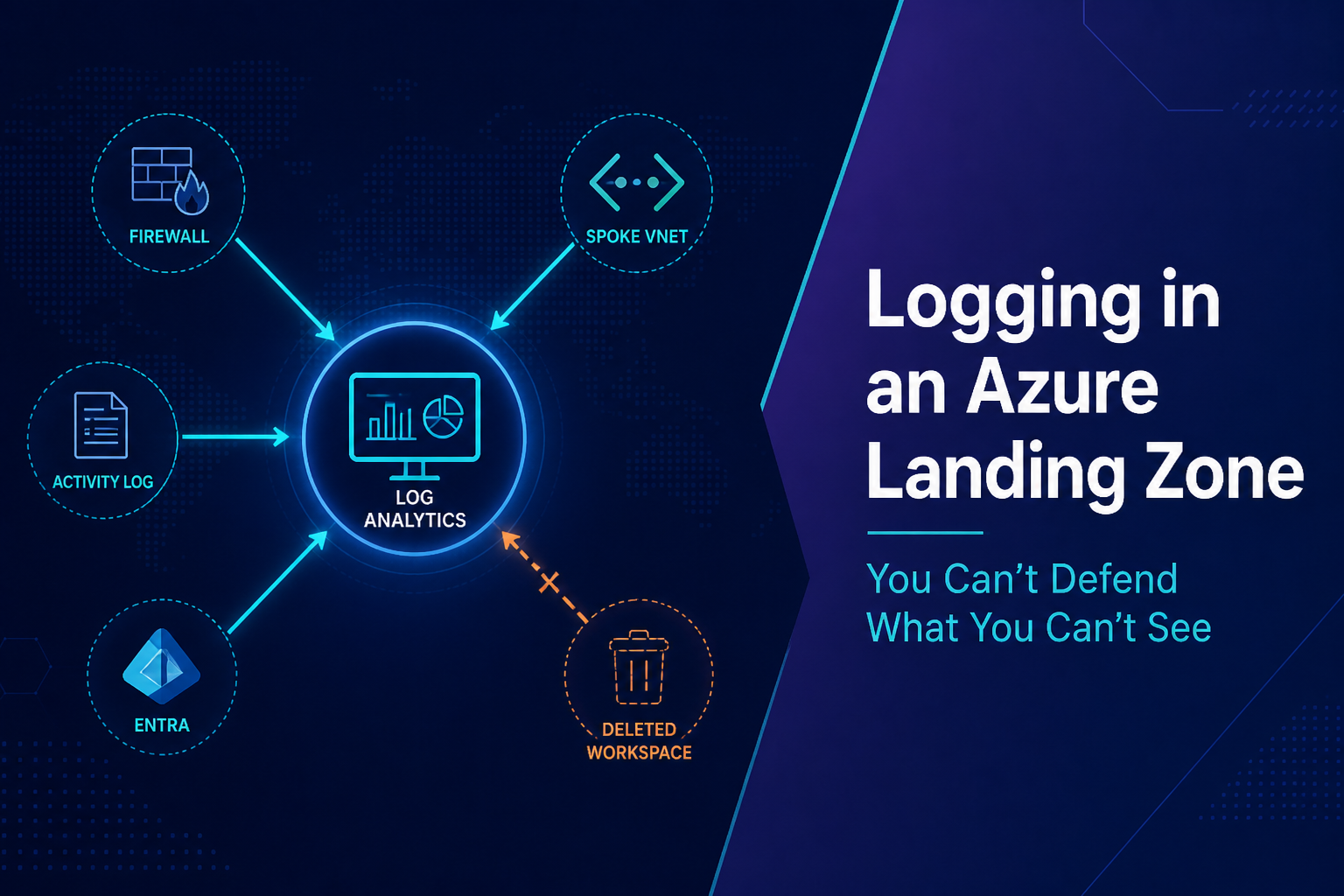
The firewall logs were empty. Three teams arguing about a 504, and the one thing that would have ended the argument wasn’t there.
DNS was fine. You already paid for that lesson. Peering was up. The firewall had an allow rule. Somebody asked the only question that mattered: did the packet arrive?
Nobody could answer it.
Flow logs had never been turned on. Firewall diagnostics pointed at a workspace in a sandbox subscription that got cleaned up three months earlier. The setting still looked enabled if you didn’t click through. Destination gone. Portal still polite about it.
This is article seven in the Azure Landing Zone series. The structure is in place. Logging is how you find out whether any of it is true at 2 a.m.
The Night the Destination Was Already Gone
The platform looked finished. Hub-and-spoke, public IPs denied, private endpoints as the default. Management groups were the ones from earlier in this series. Architecture review would have passed.
Then a production API started returning 504s. App blamed SQL. SQL blamed the network. Network opened the firewall logs and got nothing.
Someone finally remembered the workspace lived in a subscription named something like sub-sandbox-logs. Tagged non-production. During a cost cleanup, that subscription went away. Nobody touched the diagnostic settings. Azure will keep a straight face about “logging enabled” long after the destination has disappeared.
They rebuilt the workspace, re-pointed the firewall, and the next incident took minutes. The one that taught them that ate most of a night.
Kusto wasn’t the problem. Sentinel wasn’t the problem. Nobody owned logging the way they owned DNS and the hub firewall. No named workspace, no subscription that was allowed to die, nobody who got the call when it vanished.
Where the logs actually go
People talk about Azure Monitor, Log Analytics, diagnostic settings, Activity Log, Sentinel like those names are the design. They’re parts. The design is boring: what emits, how it gets there, where it lands, who can query it, and how long it stays.
If answering that requires a wiki from the last reorg, you don’t have logging. You have leftover clicks.
Workload teams should not spin up a workspace because the portal offered them a box. They should send data into something the platform already runs.

Stop making a workspace per team
The usual mess isn’t “we forgot logs.” It’s a workspace per subscription, per team, per experiment. Each one made sense that week. Six months later nobody knows which one is real, retention is whatever shipped as the default, and security runs the same Kusto in four places and still misses the subscription where the incident happened.
Put the platform workspace in the management subscription. Same place as the hub, the DNS zones, the firewall. Production logs go there. A second workspace is fine if you mean it: platform vs security, or prod vs non-prod. Not one per app.

A Sentinel workspace can wait. First you need somewhere the platform team can look without a scavenger hunt.
Don’t solve that by handing everyone Contributor on the workspace. Resource-context queries and table-level RBAC exist so an app team can see their Key Vault without reading firewall logs for the whole estate. If you tightened RBAC in Azure and then opened the workspace, you just moved the access problem into the logs.
“Enable logging” is not a plan
Activity Logs are who did what to Azure. Role assignments, policy assignments, deleted resources. If someone granted themselves Contributor at 2 a.m., this is the record. Stream every subscription into the platform workspace. The 90-day portal history is not enough to investigate anything serious.
Microsoft Entra is the other half: sign-ins, audit, PIM. That data does not come from the subscription. It comes from the tenant. I still walk into places where Azure is wired up and Entra is sitting on default retention. You already treated identity as the control plane. The logs should match.
Resource diagnostics are the service talking: Key Vault, SQL, Storage, App Service. “All logs” feels responsible and gets expensive. Turn on the categories you’d actually query during an incident, then enforce those.
Network is what the last article said you’d need. Firewall logs in the same workspace as everything else. For traffic, stop treating NSG flow logs as the design. Virtual Network flow logs sit at the VNet. They survive someone yanking an NSG off a subnet. New landing zones should deploy those. NSG flow logs in production are debt. Microsoft is retiring them, so migrate on purpose instead of finding out from a banner.
If you can’t tell whether a packet hit the firewall and what the firewall did, you’re guessing. That’s what the empty logs felt like.
The next subscription will be dark unless you force it
Put diagnostic settings in the Terraform you own. Firewall, gateways, hub. Do that. It still won’t cover the Key Vault someone deployed from the portal on a Friday, or the storage account a vendor stood up in a spoke.
That’s DeployIfNotExists. We already covered the effect. Logging is where it stops being a slide.
Assign at the management group. Pass in the workspace. Audit if you have to, then switch to deploy. The next subscription should already be streaming. If it depends on someone clicking Diagnostic settings, it won’t happen.

Don’t wait on a remediation task for the hub firewall. Write it.
resource "azurerm_log_analytics_workspace" "platform" {
  name                = "law-platform-prod"
  location            = var.location
  resource_group_name = var.mgmt_rg_name
  sku                 = "PerGB2018"
  retention_in_days   = 90
}

resource "azurerm_monitor_diagnostic_setting" "hub_firewall" {
  name                           = "diag-hub-firewall"
  target_resource_id             = azurerm_firewall.hub.id
  log_analytics_workspace_id     = azurerm_log_analytics_workspace.platform.id
  log_analytics_destination_type = "Dedicated"

  enabled_log {
    category = "AZFWApplicationRule"
  }

  enabled_log {
    category = "AZFWNetworkRule"
  }

  enabled_log {
    category = "AZFWThreatIntel"
  }
}
Firewall category names changed when Azure moved to resource-specific tables (AZFWApplicationRule and the rest). If your module still enables AzureFirewallApplicationRule and writes AzureDiagnostics, check whether data is actually landing or you’re querying a table that went quiet. Set log_analytics_destination_type = "Dedicated" on purpose. Don’t inherit the default and find out during an incident that the query is pointed at the wrong table.
retention_in_days = 30 is a billing default, not an incident-response default. Ninety days hot is a start. Archive exists for a reason, and it’s one of the first places this conversation turns into cost.
Don’t start with Sentinel. If the workspace is empty, in the wrong subscription, or owned by nobody, Sentinel is a more expensive way to query nothing. Get the pipeline working. Then decide whether security analytics shares that workspace or gets its own with tighter RBAC.
Kusto comes after the pipeline works
The 504 argument ends with a query. That query is useless if AZFWNetworkRule has no rows because the workspace got deleted, the category name is stale, or DINE never touched the new subscription.
The only Kusto that belongs in a landing zone article is the one that proves data is landing. Run it from the platform workspace, against the resource-specific tables, for the last hour. If this comes back empty, stop writing incident queries and go fix the pipeline.
AZFWNetworkRule
| where TimeGenerated > ago(1h)
| summarize Count=count()
Do the same for Activity (AzureActivity), Entra sign-ins, and VNet flow. Empty means ownership is still broken. Data there means you can start asking the real questions: who changed this, did the packet arrive, what did the firewall do.
Those queries, the table names that keep moving, and the saved searches a platform team should actually keep, are their own article. Same split as networking vs private endpoints. This piece is whether you have logs. That one is how you use them.
Cost is next, and logging will pick the fight
Ingestion is billed by the gigabyte. Flow logs and “all categories” on PaaS will teach you that faster than the pricing calculator. Who pays for platform logs vs workload logs, tagging, budgets: that’s the next article.
Skip Terraform and this drifts the same way networking did. Workspace created by hand. DINE never assigned to the new management group. A spoke comes online dark. You notice when you need it.
When logging is wrong, people argue from opinions. Security stops trusting the platform. Audits ask for evidence you can’t produce. Visibility has to be owned like the hub. Central, boring, enforced. Not something each project invents during the first outage.
The portal saying connected is not the test. The test is a specific question on a specific night: who changed this, did the packet get there, what did the firewall do, and can you still see last month.
You can turn on every Azure Monitor feature in the catalog and still go dark because the workspace lived in a sandbox, or the diagnostic setting pointed at something deleted, or flow logs never made it into the VNet module.
Then you’re not running a platform. You’re hoping the next outage is simple enough to solve without evidence.
Drop me a note, and let me know what you think