

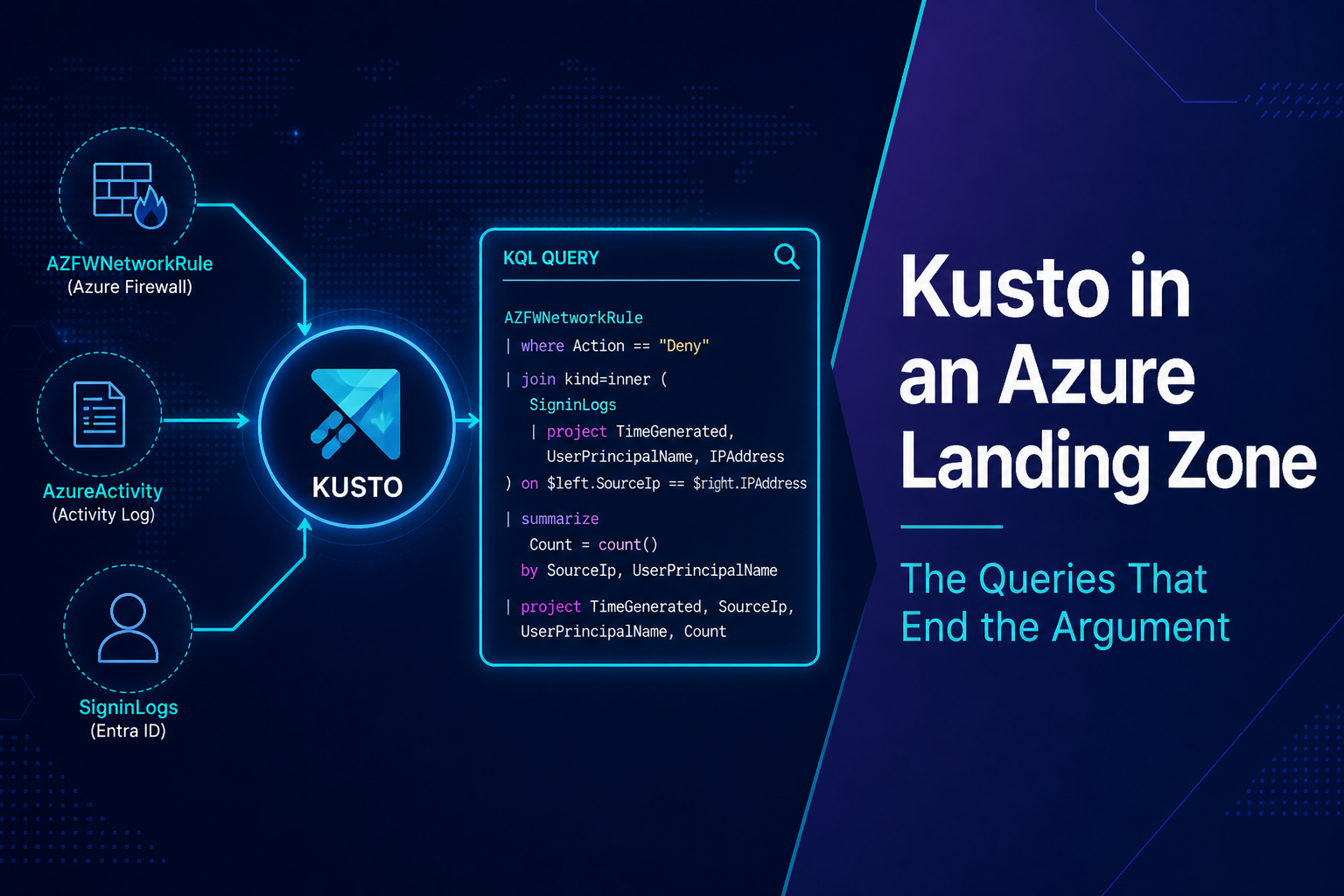
Logs are landing. You already proved that. The outage is still open and someone just asked you to “check Kusto” like that’s a place, not a language.
This sits next to Logging in an Azure Landing Zone. Read that first if the workspace is a mystery. What follows assumes data is arriving and you need answers you can defend.
If AZFWNetworkRule counted zero for the last hour, close this tab. Fix ingestion. Queries will not invent rows.
Check the table before you check the network
I keep walking into the same miss. Someone queries AzureDiagnostics for AzureFirewallNetworkRule, gets nothing, and decides the firewall isn’t seeing traffic. The traffic is in AZFWNetworkRule. Dedicated tables got turned on months ago. The saved search never moved.
AZFWNetworkRule
| where TimeGenerated > ago(1h)
| summarize Count=count()
Empty? Try the legacy table:
AzureDiagnostics
| where TimeGenerated > ago(1h)
| where ResourceType == "AZUREFIREWALLS"
| summarize Count=count()
One of those should return rows. Both empty means you are still in the last article.
I run Usage before I write anything clever. It shows what is actually ingesting, not what the deck said you enabled.
Usage
| where TimeGenerated > ago(24h)
| where IsBillable == true
| summarize IngestionGB = round(sum(Quantity) / 1000, 2) by DataType
| order by IngestionGB desc
No AZFWNetworkRule on that list, stop querying it. No SigninLogs, Entra never got pointed at this workspace. You’ll also see which tables are eating the bill. That fight belongs in the cost article. You will feel it here first.
Who changed this
Most “the network broke” nights start with a person or a pipeline.
AzureActivity
| where TimeGenerated > ago(6h)
| where ActivityStatusValue == "Success"
| where OperationNameValue has_any (
    "Microsoft.Authorization/roleAssignments/write",
    "Microsoft.Network/azureFirewalls/write",
    "Microsoft.Network/routeTables/write",
    "Microsoft.Network/virtualNetworks/write",
    "Microsoft.Authorization/policyAssignments/write"
)
| project TimeGenerated, Caller, OperationNameValue, ResourceGroup, ActivitySubstatusValue
| order by TimeGenerated desc
Look at the hours before the tickets started. Role assignment. UDR edit. Firewall change. Policy assignment. A service principal means the pipeline. A user with Contributor at the subscription means access never got tightened.
Deletes show up here too. The sandbox workspace from the logging post would have been in this result if anyone had run it.
AzureActivity
| where TimeGenerated > ago(7d)
| where OperationNameValue endswith "/delete"
| where ResourceProviderValue in ("Microsoft.OperationalInsights", "Microsoft.Insights")
| project TimeGenerated, Caller, OperationNameValue, ResourceId=tostring(Properties_d.resource)
| order by TimeGenerated desc
Firewall: allow, deny, or never arrived
Once AZFWNetworkRule has data, this is the query that ends the argument about the packet. Get the source IP from the pod, the VM NIC, or the load balancer backend before you filter. Guessing 10.20.4.12 because it was in last week’s diagram is how you get zero rows and blame the firewall again.
TimeGenerated is UTC. If the change happened at 2 a.m. Central, ago(2h) at 9 a.m. local will miss it. Widen the window first, then tighten.
AZFWNetworkRule
| where TimeGenerated > ago(2h)
| where SourceIp == "10.20.4.12"   // app subnet / pod IP
| where DestinationIp == "10.30.8.5" // SQL private endpoint
| project TimeGenerated, Action, Protocol, DestinationPort, Fqdn, Rule, Policy
| order by TimeGenerated desc
Allow plus an app timeout: the packet reached the firewall and died after it. DNS, the private endpoint, or the database. Deny: the firewall did what you asked and the ticket belongs to whoever owns that rule collection. No rows for that pair: the packet never got there. Routing, a missing UDR, or the app isn’t sending what you think it is.
Application rules are a different table. Don’t mix them in your head.
AZFWApplicationRule
| where TimeGenerated > ago(2h)
| where SourceIp == "10.20.4.12"
| project TimeGenerated, Action, Fqdn, TargetUrl, Protocol, Rule, Policy
| order by TimeGenerated desc
Threat intel is AZFWThreatIntel. DNS proxy is AZFWDnsQuery. Keep querying AzureDiagnostics for those and you will miss them on any estate that moved to resource-specific tables.
Sign-ins are not in AzureActivity
I still watch people search Activity Logs for a failed login. Sign-ins live in SigninLogs. That table is tenant diagnostic settings, not a subscription.
SigninLogs
| where TimeGenerated > ago(6h)
| where UserPrincipalName has "jsmith"
| project TimeGenerated, ResultType, ResultDescription, AppDisplayName, IPAddress, Location, ConditionalAccessStatus
| order by TimeGenerated desc
ResultType == 0 succeeded. Anything else is a reason. PIM and directory changes are AuditLogs. If SigninLogs never shows up in Usage, the tenant was never pointed at the platform workspace.
Flow logs in storage are not Kusto
Virtual Network flow logs sitting in a storage account will not answer this. Traffic Analytics is what lands a summary in Log Analytics, usually NTANetAnalytics. If that table isn’t ingesting, you do not have a packet capture in Kusto.
NTANetAnalytics
| where TimeGenerated > ago(2h)
| where SrcIp == "10.20.4.12" or DestIp == "10.20.4.12"
| summarize Flows=sum(FlowCount), Bytes=sum(BytesSrcToDest + BytesDestToSrc) by SrcIp, DestIp, DestPort, FlowStatus
| order by Bytes desc
Table doesn’t exist: enable Traffic Analytics, or go back to the firewall tables. Don’t spend an hour proving a blob in storage won’t query.
Save four searches at the workspace
What most teams call “we have Kusto” is one engineer’s query dump. That disappears on PTO.
Save these on the workspace, named like a runbook:
- ingest-health: the
Usagequery - firewall-pair: source and dest on
AZFWNetworkRule - control-plane-changes: the Activity write and delete queries
- signin-for-user:
SigninLogsby UPN
Parameterize the IPs and the UPN. Last night’s incident does not belong hardcoded in the saved search.
App teams can have resource-context on their own Key Vault. Firewall and Activity stay with the platform. Contributor for everyone on the workspace is not a library. It’s a shared scratchpad sitting on production data.
join, let, workbooks, and Sentinel rules can wait until those four searches return data you would actually trust. If you still can’t tell who changed a UDR or whether the firewall allowed the packet, you don’t need more KQL. You need the pipeline from the last article, or you need to be in the right table.